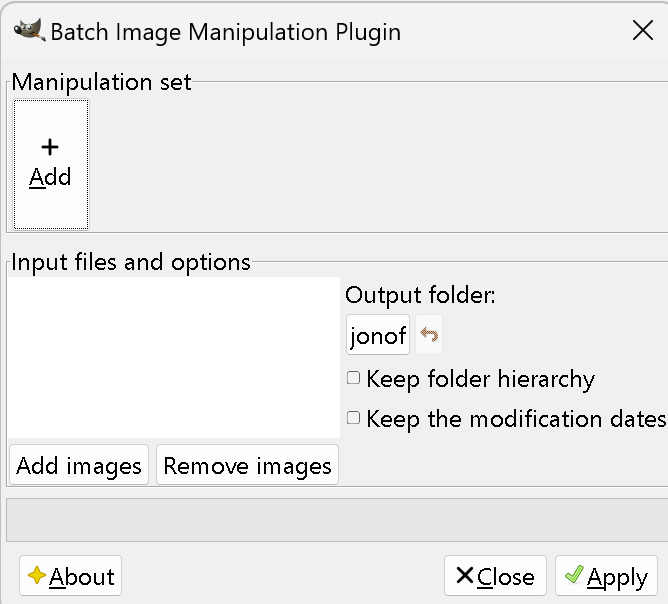
Batch Image Processing
Gimp requires a free addon called Bimp to perform Batch Image Processing.
Bimp Addon allows you to do a set of manipulations to an entire group of images! It provides an easy to use interface and a lot of batch functions, such as"
- Resize
- Crop
- Flip and rotate
- Color correction (and curve)
- Sharp or BlurAdd a Watermark
- Change compression and format
- Rename with a Pattern
- Other Gimp Procedures. There are hundreds to choose from.
Download Bimp
Please note that the newer versions of Bimp, Starting from v2.0, do not work with the newer versions of Gimp from 2.8
Use Bimp Version 1.18 from the authours site
If you need helpon installing see this on WIKI GIMP/Installing Plugins
Start Using Bimp
Ensure you have installed the Bimp Plugin
- 1. Click the File Tab
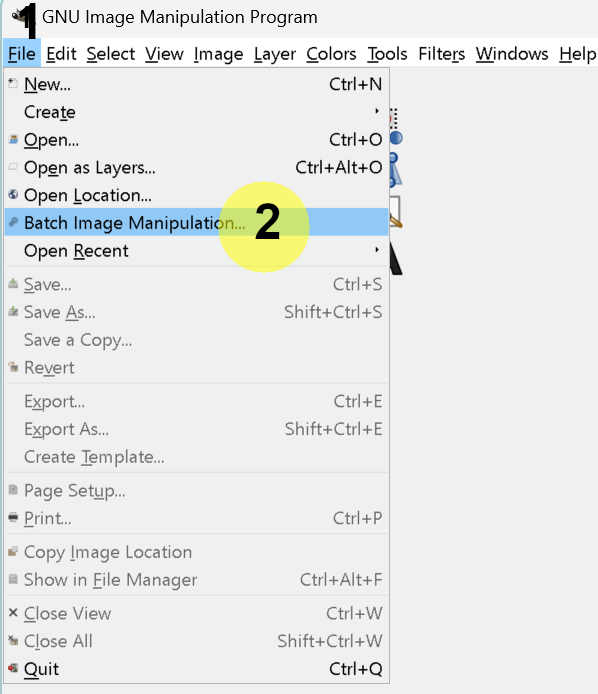
- 2. Click Batch Image Processing...in the dropdown menu.